ATTENDEE & SPEAKER SPONSORSHIP STUDIO
Set Up Your Walking Billboard Attire
Whether you're headlining a keynote or attending in the crowd, define your sponsor slots, set reserve prices, and connect with verified brands.
Interactive Attire Canvas4 Defined Sponsor Zones
Attire Patches (4)
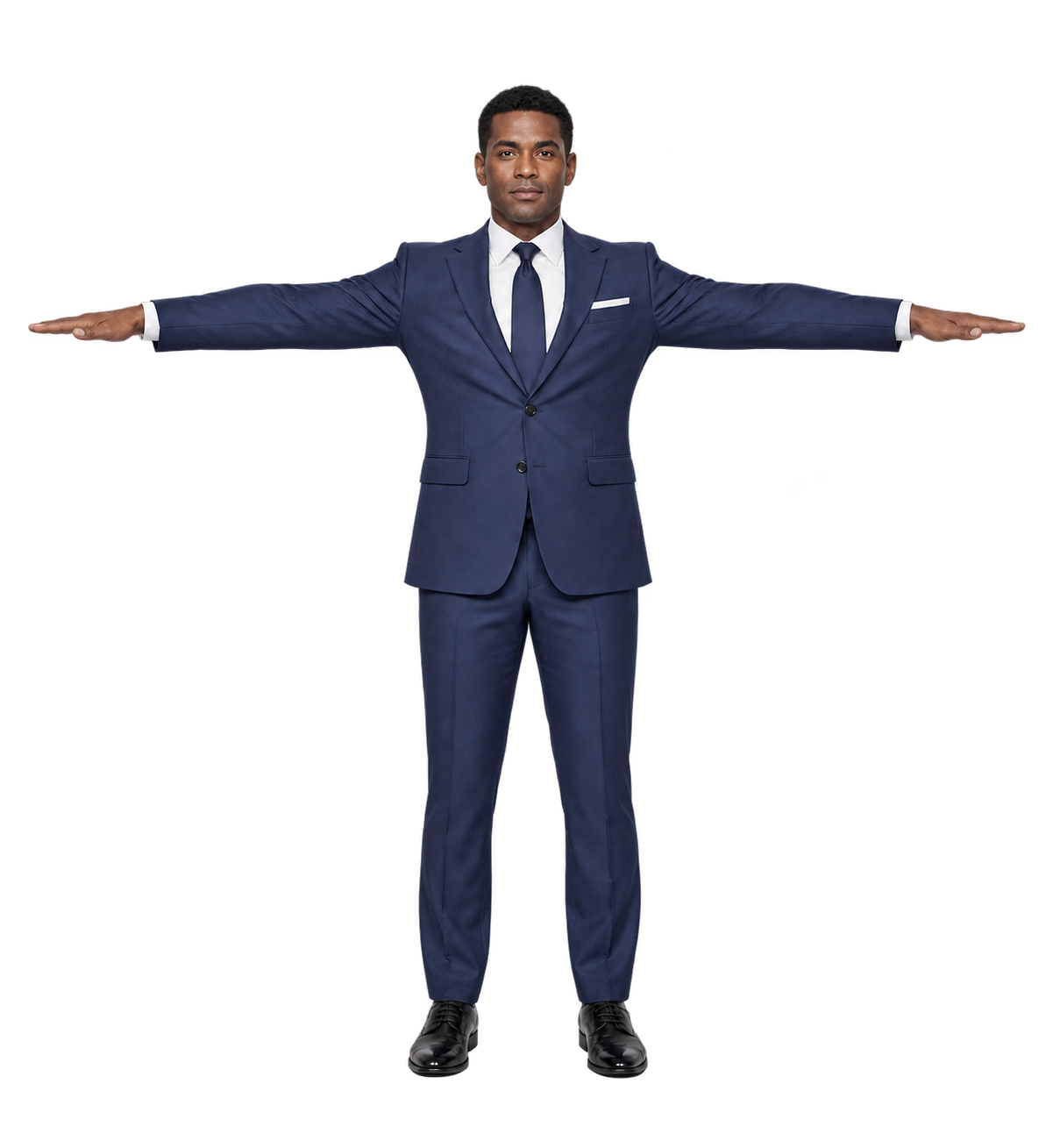
Interactive Attire Visualizer4 Real-Estate Slots
Front View3 Slots
Drag to Draw Box · Drag to Move
#1
Slot #1$1,500
Front Chest Prime Placement
Zone: FRONT18% × 12%
Mode: DoublingClick to edit
#2
Slot #2$1,200
Left Pocket Welt
Zone: FRONT15% × 12%
Mode: IncrementalClick to edit
#3
Slot #3$1,200
Right Pocket Welt
Zone: FRONT15% × 12%
Mode: IncrementalClick to edit
Back View1 Slots
Drag to Draw Box · Drag to Move

#4
Slot #4$1,800
Back Upper Yoke
Zone: BACK26% × 12%
Mode: DoublingClick to edit
Click or drag on garment to create boxes. Drag boxes to position. Corner handle resizes width & height.100% Vector Precision Decals
💡 Tip: Drag on empty fabric to draw a new slot. Drag any box to reposition. Corner handle resizes.
SLOT #14 / 4 Slots Licensed
$
Aspect Ratio: 16:9 Banner
Advanced Options: Event & Avatar Silhouette Selection▼ Expand / Collapse
Event or Summit Selection
Attire Silhouette Preset